PdfKmp
Kotlin Multiplatform PDF generator for Android, iOS, Desktop (JVM) and Web (Wasm) — vector-first, type-safe, DSL-driven.
PdfKmp builds real, spec-compliant PDF documents from a single Compose-style Kotlin DSL that runs identically across four platforms — Android, iOS, Desktop (macOS / Windows / Linux) and the browser — plus an optional Compose Multiplatform viewer to display the result.
Its defining rule: nothing is ever rasterised. Text becomes glyph paths, shapes become path operators, charts and barcodes are drawn as geometry — so every page stays razor-sharp at any zoom level and files stay small. Each platform renders through its own native PDF stack, yet the same document produces pixel-identical output everywhere.
The library ships the Inter font for cross-platform Latin parity, exposes system CJK / Arabic / Persian fonts for native non-Latin rendering, and embeds subsetted TrueType fonts where the platform allows it.
See it on every platform
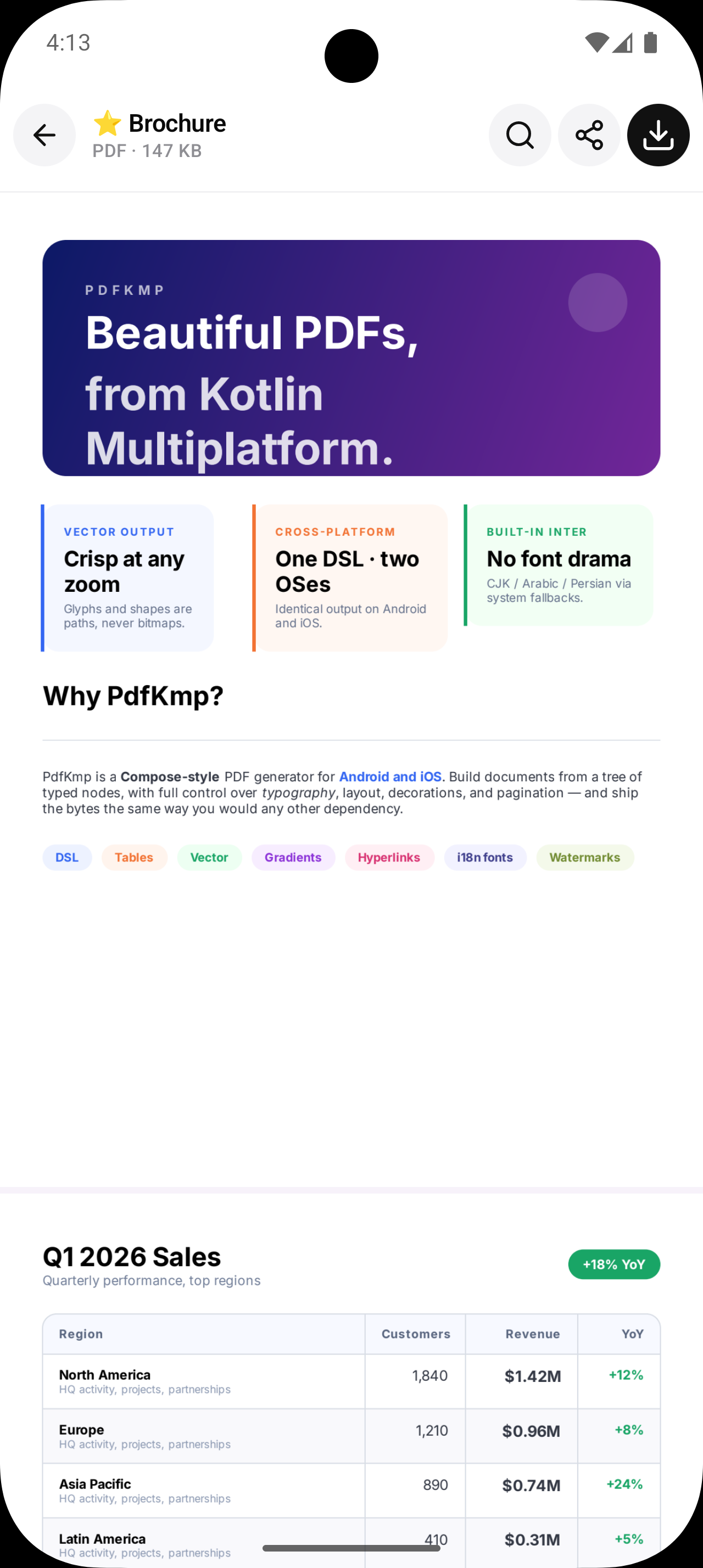
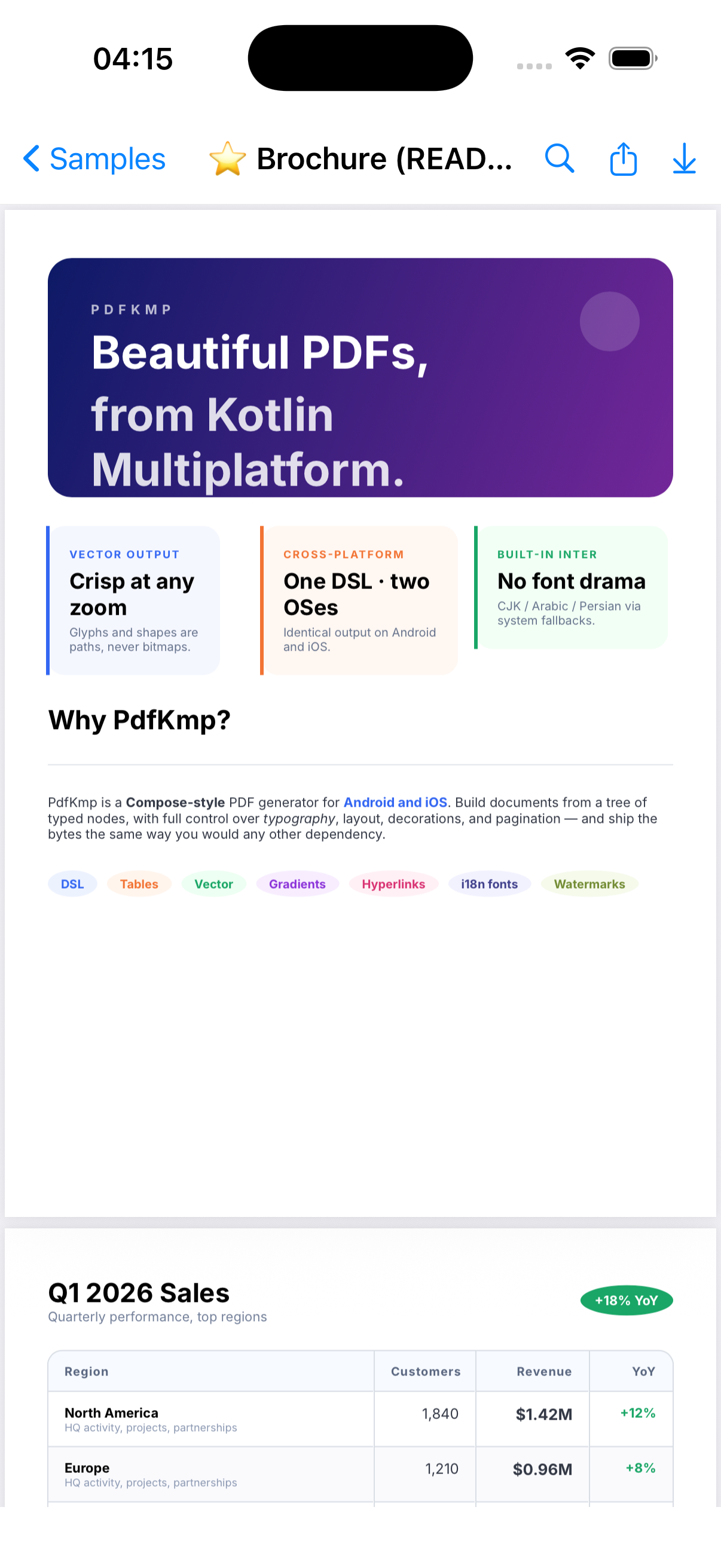
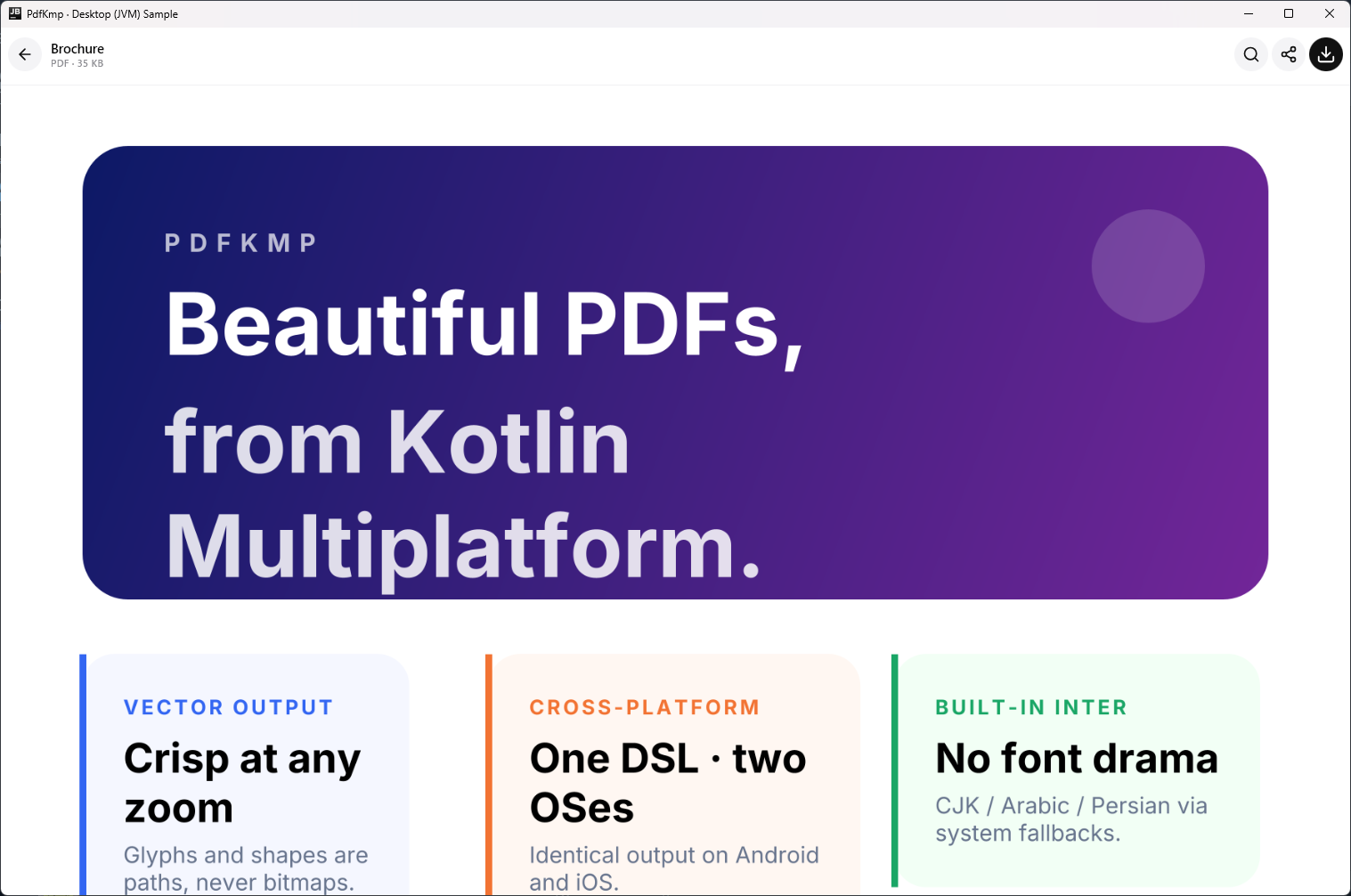
The same brochure document, generated from the same Kotlin code:
Rendered by the native Android PDF backend — sharp on any phone or tablet.
Rendered through Core Graphics — the identical layout, glyph for glyph.
Rendered by the pure-Java desktop backend on macOS, Windows and Linux — shown here in the bundled Compose viewer.
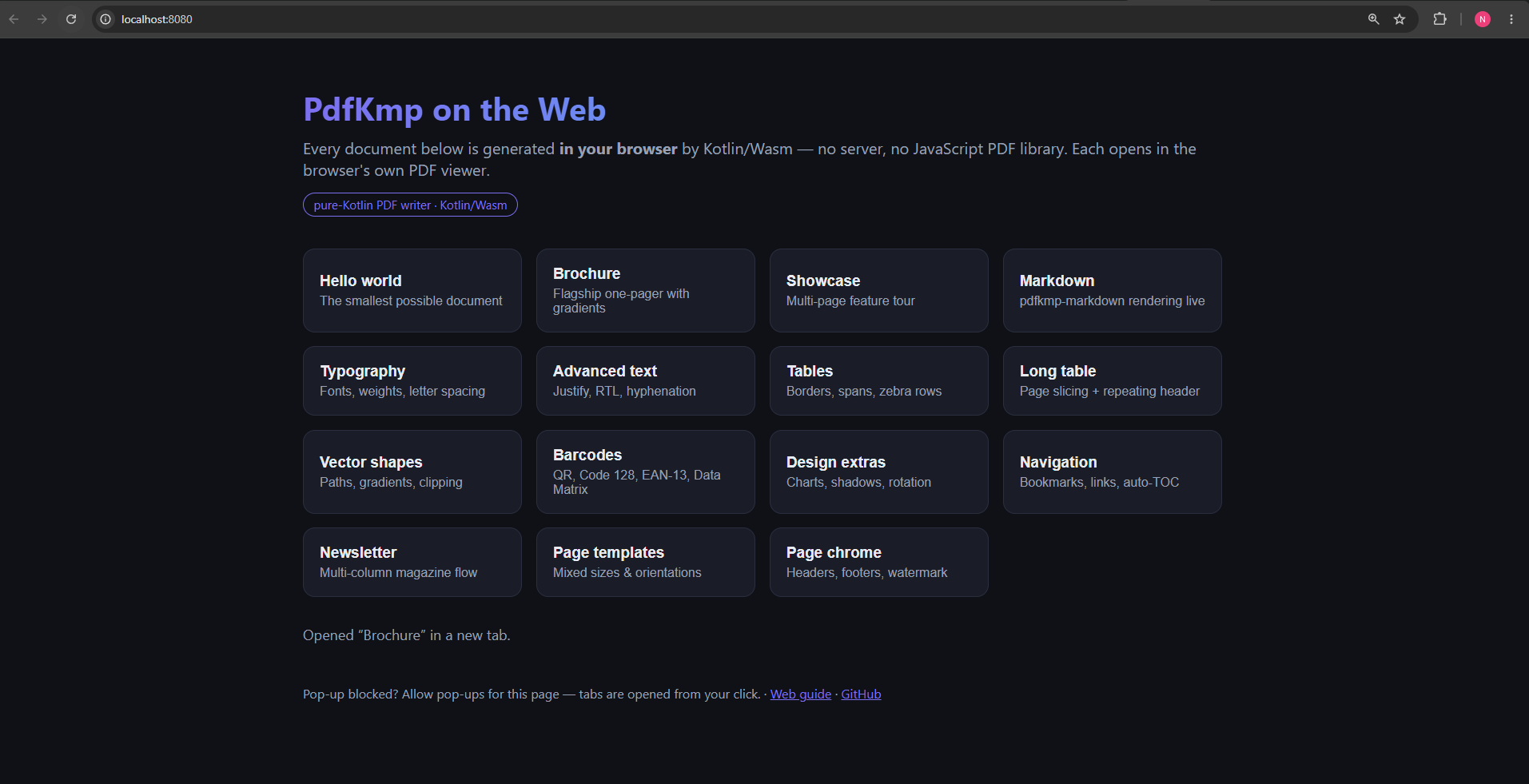
Generated inside the browser by Kotlin/Wasm — no server, no JavaScript PDF library — and handed straight to the browser's own viewer.
What it can do
-
✍️ Rich text engine
Full justification, automatic hyphenation, line clamping with ellipsis, soft hyphens, superscript / subscript, orphan & widow control — and true right-to-left support with bidi reordering, Arabic shaping and kashida justification.
-
📄 Layout & pagination
Columns, rows, boxes and cards with weighted children; tables that slice across pages and repeat their headers; keep-together groups, newspaper-style multi-column flow, uniform grids and mixed page orientations.
-
📊 Graphics & data
QR codes, Code 128 / EAN-13 / UPC-A barcodes and Data Matrix symbols; bar, stacked-bar, line, pie and donut charts; free-form vector drawing — all pure Kotlin, no external dependencies.
-
🎨 Decorations & effects
Backgrounds, gradients, per-corner radii, per-side and dashed borders, drop shadows, rotation and group opacity — every effect stays vector.
-
🧭 Navigation
Bookmarks that populate the reader's outline sidebar, internal links, automatic tables of contents with resolved page numbers, and clickable hyperlinks on every platform.
-
🔒 Documents & security
Document metadata, encryption with permission flags, file attachments, interactive form fields, best-effort PDF/A, digital signing, and post-processing tools — merge, split, watermark, overlay.
-
🖼️ Images & vectors
PNG, JPEG, WebP and HEIF photos; Android vector drawables and W3C SVG files kept as vectors inside the PDF; accessibility alt-text carried through to the document.
-
🧩 Companion modules
A Compose Multiplatform PDF viewer with search, print, dark mode and annotations; a Compose Resources bridge; and a Markdown-to-PDF renderer.
Platform support
| Platform | PDF backend | Notes |
|---|---|---|
| Android | Native Android PDF canvas | Metadata, links and outline added by PdfKmp's own post-processor |
| iOS | Core Graphics | Native CJK / Arabic / Persian fonts, document encryption |
| Desktop (JVM) | Apache PDFBox — pure Java | macOS, Windows, Linux; the most capable backend: forms, signing, PDF/A, attachments |
| Web (Wasm) | PdfKmp's own pure-Kotlin writer | Runs fully in the browser; TrueType subsetting and compression included |
Every backend produces real vector PDFs — readable in Preview, Adobe Reader, Chrome and any spec-compliant viewer. See Platform parity for the full feature matrix.
Where next
- Getting started — install coordinates, your first PDF, and every feature guide.
- Samples — every bundled showcase document.
- Internals — how the layout engine and renderers work.
- API Reference — generated KDoc for every public declaration.
PdfKmp is Apache 2.0 licensed and was authored end-to-end with Claude Code.